AI coding tools have changed the way I approach software development. I’ve been programming for years, long before AI became a daily part of a developer’s workflow. When tools like GitHub Copilot first appeared, many developers quickly started relying on them for code completion and quick solutions. I even saw some front end developers writing PHP with Copilot despite having little experience with the language. Personally, I preferred writing the code myself. Still, watching how these AI coding tools helped people move faster made me curious about how reliable they actually were.
became even more interesting when ChatGPT started trending among developers. Instead of letting AI write everything, I began using it as a second brain for coding. I would write the main logic myself and then ask ChatGPT for code review, optimization, or alternative solutions. In many cases, it suggested cleaner structures, improved documentation, and better debugging strategies. Over time, this workflow improved both my productivity with AI coding and my understanding of complex problems, turning AI from a shortcut into a powerful learning companion.
Table of Contents
My Real Experience Testing AI Coding Tools in Daily Development
How I Evaluated Each AI Coding Tool During Real Projects
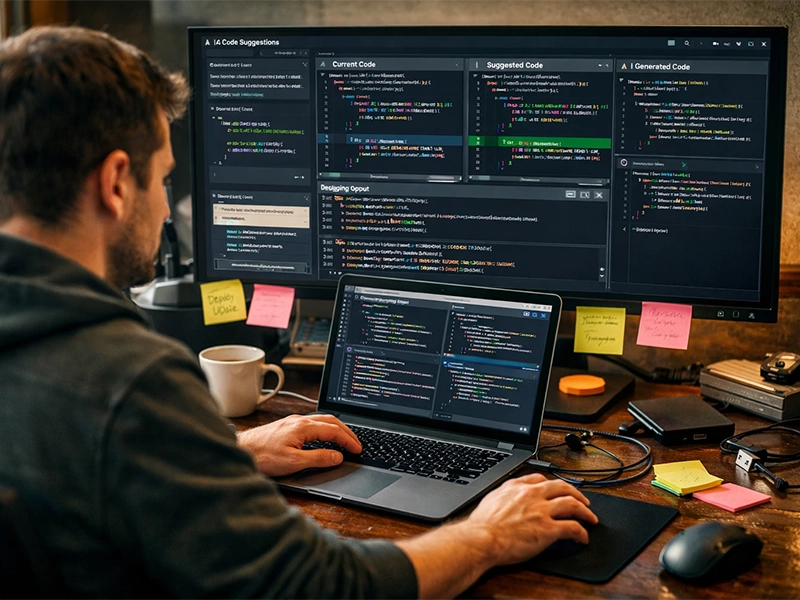
AI coding tools became part of my daily workflow once AI started entering real development environments. Over the past few years, I tested several tools including ChatGPT, GitHub Copilot, Gemini, Grok, Claude, and DeepSeek while building real projects. My goal was not just to generate code but to evaluate AI coding tools in practical scenarios like debugging, refactoring, and writing documentation. These AI pair programming tools can feel impressive at first, but only real project work shows which one behaves like a reliable AI debugging assistant.
The Setup I Used to Compare AI Coding Tools Fairly
comparison only makes sense when you test them under the same conditions. I used the same coding tasks across multiple environments to compare AI coding assistants fairly. Most tests included generating backend logic, improving existing functions, and testing AI code completion accuracy. In many cases, GitHub Copilot was fast inside the editor, but ChatGPT produced clearer explanations and cleaner refactoring. That’s why many developers still consider it close to the Best ai chatbot for deep coding discussions and structured problem solving in AI for software development.
Testing Multiple AI Coding Tools in Real Development Tasks
AI coding tools became more interesting as I expanded my testing to different platforms. ChatGPT and Copilot were the tools I used the most, mainly because their results were more consistent. I also tested Gemini and Grok, but in my experience they were not as reliable for complex development tasks. Claude worked surprisingly well for structured coding explanations, while DeepSeek felt like a versatile option that could handle many tasks but rarely dominated one area. This hands on AI coding tools comparison helped me understand which tools actually support developers in real software development.
Which AI Coding Assistants Write the Most Accurate Code?
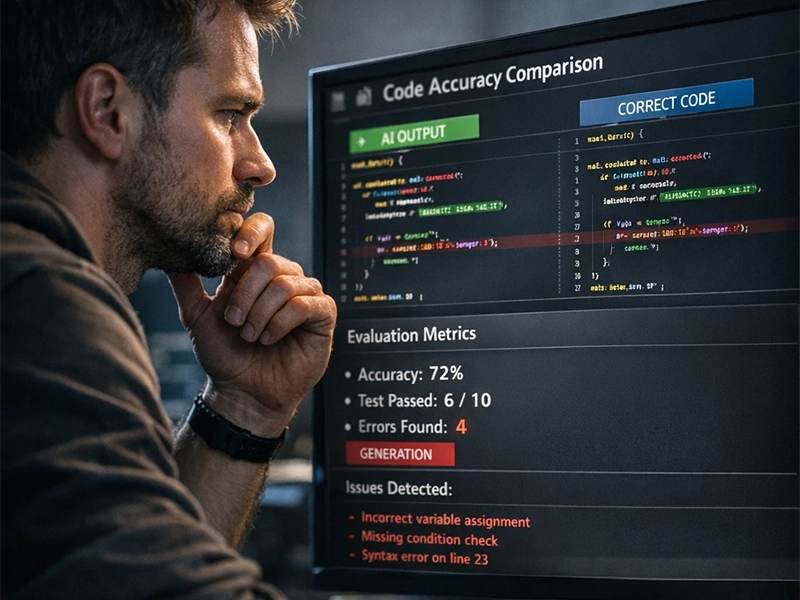
When I started seriously comparing modern assistants, the biggest question was accuracy. Many developers search for the best AI coding assistant, but real reliability only becomes clear during actual development. While building APIs and backend features, I tested several AI coding tools side by side to see how often the generated code worked without major fixes. Some tools produced impressive snippets, but only a few consistently generated clean, production ready logic that required minimal adjustments.
Testing Code Generation Across Different Programming Tasks
The results changed depending on the task. While writing backend services, automation scripts, and debugging JavaScript logic, I noticed clear differences in AI code completion quality. GitHub Copilot was extremely fast inside the editor and predicted short blocks of code very well. However, when I asked ChatGPT for coding solutions involving architecture or multi step logic, the answers were often more structured. I also compared outputs with common patterns I already used to observe GPT 4 coding accuracy in realistic development scenarios.
GitHub Copilot vs ChatGPT in Real Development
One of the most common debates among developers is GitHub Copilot vs ChatGPT. After months of testing them during real projects, I noticed they solve different problems. Copilot behaves like a rapid suggestion engine that lives inside the editor, which makes it excellent for repetitive coding tasks. ChatGPT, on the other hand, feels closer to a technical advisor that can analyze logic and suggest improvements. Using both together often produced better results than relying on a single AI assistant.
Which AI Assistant Understands Developer Intent Best?
Understanding developer intent is where the gap between tools becomes obvious. Among the AI pair programming tools I tested, the ones that could interpret context usually provided better solutions. Instead of only generating code, they explained why the solution works and how it fits into a larger system. That ability is particularly valuable in AI for software development because it helps developers learn while building. Some deeper technical explanations of these capabilities are often discussed in research around transformer architectures.
Which AI Tools Optimize and Improve Code Quality Best?

Code generation is useful, but the real value appears when an assistant helps improve existing code. During several backend projects, I started testing different AI coding tools not only for writing functions but also for optimizing them. Some tools suggested cleaner logic, while others focused on readability and performance. This is where modern development is clearly influenced by broader AI technology trends, especially the growing role of intelligent assistants in software engineering. In practice, the most helpful tools were those that could review code, suggest refactoring ideas, and explain why the changes actually improve maintainability.
Testing AI Code Optimization and Refactoring
When testing optimization features, I focused on how each AI code review tool handled real project code rather than simple examples. Some assistants were surprisingly good at spotting duplicated logic, unused variables, and inefficient loops. In several cases, suggestions from modern AI coding tools helped reduce unnecessary complexity in my backend services. What impressed me most was when the assistant not only recommended changes but also explained the reasoning behind them. That kind of feedback feels closer to having a second developer reviewing your pull request.
Can AI Really Improve Developer Productivity?
One of the biggest promises of modern developer assistants is improving productivity with AI coding. After using these tools for several months, I noticed that the real benefit was not just writing code faster. The biggest impact came from debugging help, documentation generation, and quick explanations when I got stuck. An effective AI debugging assistant can often identify small logic mistakes in seconds. Among the top AI tools for programmers I tested, the ones that combined coding suggestions with clear explanations made the biggest difference in day to day development.
Do Developers Actually Code With AI or Just Use It for Help?
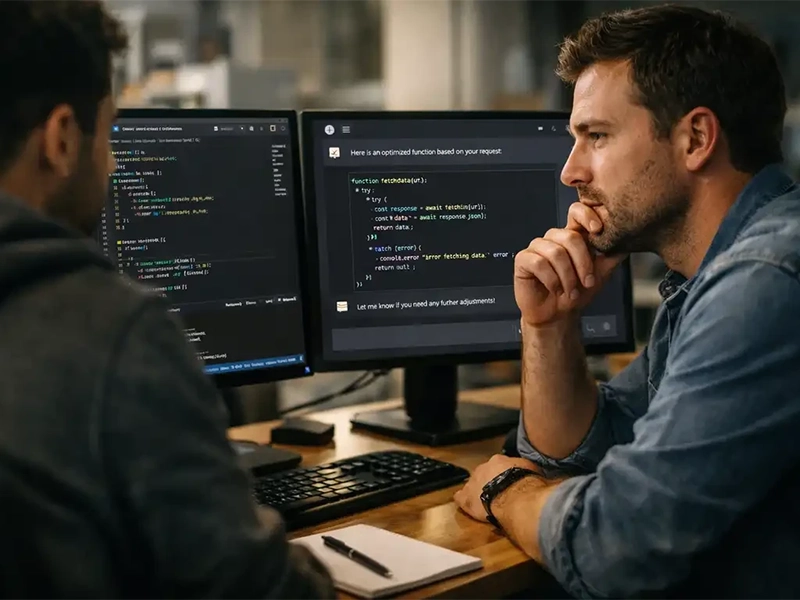
After months of experimenting in real projects, I noticed that most developers don’t completely rely on AI to write entire systems. Instead, tools like ChatGPT for coding are usually used as assistants during problem solving. In my own workflow, I often switch between writing code manually and asking AI for suggestions, explanations, or quick prototypes. This hybrid approach is becoming common in AI for software development, where developers stay in control while AI speeds up smaller tasks and helps explore alternative solutions.
How Professional Developers Use AI Coding Assistants Today
In conversations with other developers and from my own experience, most professionals treat AI assistants as productivity tools rather than replacements. Many teams already use some of the best AI tools for developers to generate test cases, explain unfamiliar libraries, or speed up documentation. Among the top AI tools for programmers, the ones integrated directly into IDEs are especially popular because they fit naturally into the development workflow. Instead of changing how developers work, these assistants quietly support everyday coding tasks.
When AI Coding Tools Help — and When They Slow You Down
From my testing, the usefulness of AI coding tools depends heavily on the type of task. For repetitive work such as writing boilerplate code or simple functions, they can save a surprising amount of time. However, during complex architectural decisions, relying too much on AI can sometimes slow things down because the generated solutions need careful review. When I started to compare AI coding assistants in real projects, I realized that the best results usually come when developers treat AI as a collaborator rather than a decision maker.
The Future of AI Pair Programming
One trend I noticed while using AI pair programming tools is that they are slowly changing how developers learn and experiment. Instead of searching through dozens of forum posts, it’s now possible to ask questions and immediately test ideas in code. Several AI coding tools already act like interactive mentors, explaining mistakes and suggesting improvements in real time. This doesn’t eliminate the need for strong programming knowledge, but it makes learning faster and reduces friction during development.
Conclusion
After testing several assistants in real projects, it’s clear that AI coding tools are becoming an important part of modern development. They are not perfect and still require human review, but they can significantly speed up debugging, documentation, and repetitive coding tasks. From my experience, the best results come when developers treat AI as a smart collaborator rather than a replacement. Tools like ChatGPT and Copilot work best when combined with strong programming knowledge. As AI continues to evolve, developers who learn how to use these tools effectively will likely gain a clear productivity advantage.