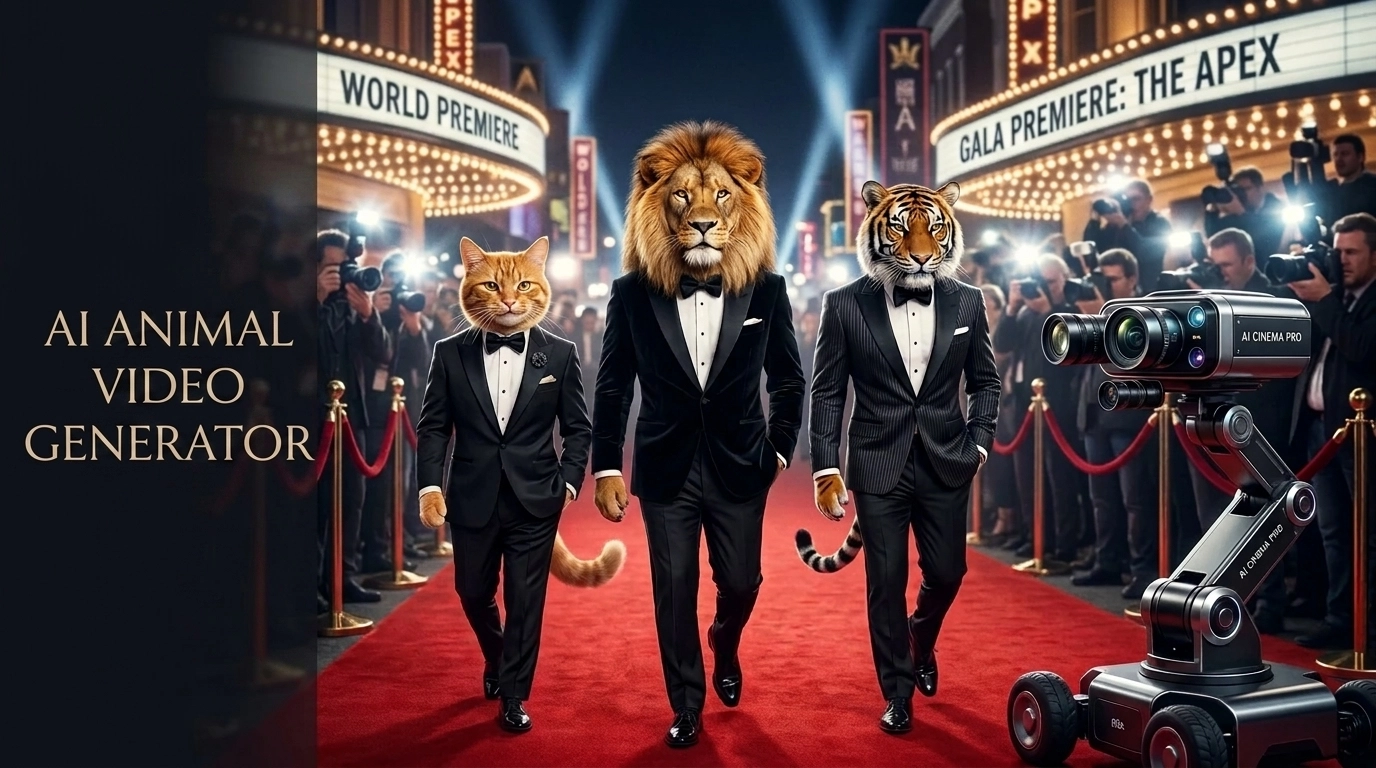
When scrolling through social media, I often find myself stopping for surprisingly realistic AI animal videos. Some clips look like short scenes from a wildlife documentary, while others feel like tiny emotional stories created in just a few seconds. That curiosity led me to experiment with different tools, especially an AI Animal Video Generator, to understand how these videos are made and what makes them engaging. I quickly discovered that realistic visuals alone are not enough. The strongest AI animal videos combine creative ideas, emotional moments, and storytelling that makes viewers want to keep watching.
Table of Contents
What Is an AI Animal Video Generator?
An AI Animal Video Generator is a tool that uses artificial intelligence models to create realistic animal videos from simple instructions, images, or reference scenes. Instead of recording real animals with cameras, creators can describe a situation and let AI generate the movement, environment, lighting, and visual details.
When I first started testing these tools, I expected the biggest challenge to be creating realistic animals. However, I quickly realized that realism was only one part of the process. A technically perfect animal video can still feel empty if it does not have a clear idea or emotional direction behind it.
Most AI animal video generators work through two main approaches: text-to-video and image-to-video. Text-to-video gives more creative freedom because you can describe an entire scene from scratch, while image-to-video provides more control over the character, appearance, and visual consistency.
During my experiments, I found that the strongest results usually came from combining both creativity and structure. The AI can generate impressive visuals, but the story, movement, and small details are what make viewers stop and watch.
Why I Started Testing AI Animal Videos Instead of More Complicated AI Content
When I shifted my focus from complex AI workflows to short animal videos, it was a deliberate experiment. I had spent months creating technical content, but I noticed that highly detailed explanations did not always create an emotional connection with audiences. Testing an AI Animal Video Generator gave me a different creative direction. Instead of focusing only on technical complexity, I started exploring how simple stories and emotional moments could capture attention. This change helped me understand that powerful content is not always about adding more features, but about creating stronger human connections.
The Engagement Gap Between Technical AI Content and Emotional Animal Clips
When I was publishing tutorials around ai video editing software, the watch time rarely crossed meaningful thresholds. Even though the content was detailed, it lacked emotional immediacy. The moment I switched to expressive animal clips, the difference was dramatic. Comments increased, shares multiplied, and retention stabilized. Personally, this forced me to accept something difficult: clarity and emotion outperform complexity. SEO-wise, I also noticed lower bounce rates because users actually wanted to watch instead of skim and leave.
The First AI Animal Video Generator Test That Outperformed My Expectations
My first structured AI Animal Video Generator Test was meant to be a quiet experiment. I wanted to validate movement realism, not go viral. However, the performance exceeded anything I had published before. That moment changed how I viewed short-form content strategy. It wasn’t just entertainment—it was a scalable attention asset. Around the same time, I was studying trends in AI in Digital Marketing, and I began to see how emotional micro-content could outperform polished corporate visuals in measurable ways.
The Simple Scenario That Surprised Me
The setup was simple: a curious puppy reacting to falling leaves. I created it using a runway ai video generator workflow without adding unnecessary camera movements or complicated scenes. What surprised me was not only the visual quality, but how familiar and emotional the moment felt. The clip worked because the idea was easy to understand instantly. This experiment showed me that simple scenarios with recognizable emotions often create stronger connections than complex AI-generated scenes filled with unnecessary details.
What I Learned From Audience Reactions
During my experiments with AI animal videos, I noticed that the strongest reactions were rarely about the technology itself. Viewers did not usually comment on the AI model, rendering quality, or the tool behind the video. They reacted to the story, the emotion, and the small details that made the animal feel believable.
This changed how I approached AI Animal Video Generator workflows. Instead of focusing only on creating realistic visuals, I started designing short moments with a clear emotional purpose. A simple action, such as a puppy discovering something new or a cat reacting to an unexpected situation, often created a stronger connection than a technically complex scene.
The biggest lesson was that realism is not only about better graphics. It comes from creating a situation viewers can understand and emotionally follow within a few seconds.
What This First Experiment Revealed About Audience Behavior
Previously, I believed technical depth created authority. But this experiment showed that emotional clarity builds loyalty. Even when I tested variations using an AI Animal Video Generator, performance depended more on narrative framing than rendering quality. That realization reshaped my content strategy. Instead of chasing perfection, I began prioritizing relatable storytelling. The audience rewarded authenticity.
How I Used Runway in a Real Workflow to Build AI Animal Videos
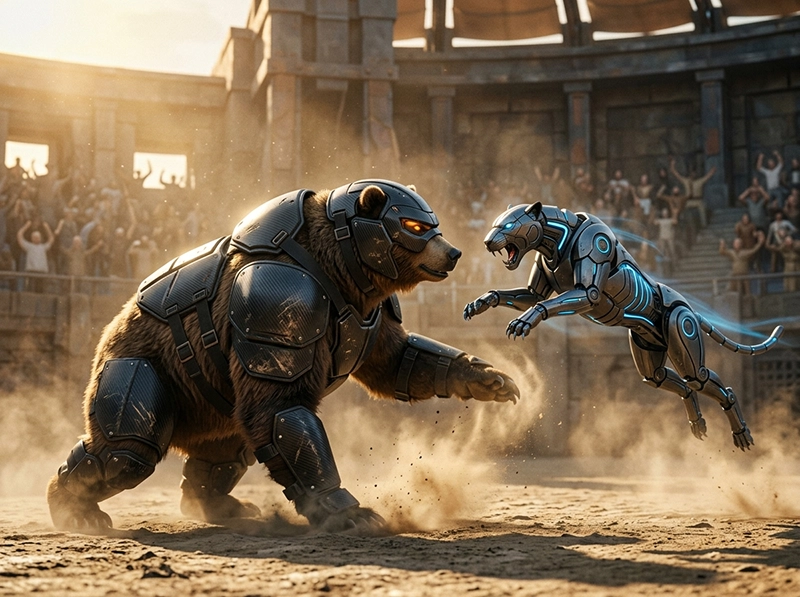
In my own tests, I learned that creating high-quality animal videos does not depend on finding one perfect prompt. The process requires multiple creative steps. My Runway AI Animal Video Workflow started with a simple emotional idea, followed by reference selection, prompt refinement, motion testing, and final editing. I treated each video as a small scene with a purpose instead of a random generation. This approach helped me improve consistency, reduce wasted attempts, and understand which creative decisions made the final result feel more natural. I also discovered that choosing between text-to-video and image-to-video changes the entire creative direction, because each method offers different levels of freedom and control.
Text-to-Video vs Image-to-Video in Runway
When I used runway ai text to video as an AI Animal Video Generator, I got more surprising results, especially for playful scenes like a kitten chasing sunlight or a fox reacting to snow. However, the movements were harder to control. With image to video ai, I had better consistency in fur, lighting, and facial shape, but the action sometimes felt restrained. Personally, I preferred starting with text for ideation, then using images for refinement. This hybrid method gave me stronger visuals without losing the spontaneous charm audiences seemed to enjoy.
| Method | Pros | Cons | Best For |
|---|---|---|---|
| Text-to-video | Creative freedom | Less control | New ideas |
| Image-to-video | Better consistency | Limited movement | Realistic animals |
Iteration Cycles: How Many Generations It Took to Get Natural Movement
For most clips, I needed between six and twelve generations before the animal movement felt believable. The hardest parts were paws, eye direction, tail motion, and sudden emotional reactions. While refining these clips, I also started comparing different video tools to understand how each handled motion consistency. mainly to evaluate rendering styles, pricing models, and workflow flexibility. The goal was not replacing Runway, but understanding where each tool fits best in a real production pipeline. Documenting these iteration cycles helped me understand which creative decisions actually improved the final result instead of relying on random generations.
Best AI Animal Video Generator Tools
After testing different AI video platforms, I noticed that each AI Animal Video Generator has its own strengths. Some tools are better for cinematic scenes, while others are more useful for quick social media experiments or realistic movement. Instead of looking for one perfect tool, I focused on understanding which platform works best for different types of animal videos. The right choice depends on the level of control, realism, and creative freedom you need.
1.Runway
Runway was one of the first tools I used seriously for creating AI animal videos because it provides strong creative control and cinematic results. I found it especially useful when I wanted to build a specific scene with camera movement, lighting direction, and a clear emotional atmosphere.The biggest advantage of Runway is the balance between creativity and quality. Text prompts allow you to explore different ideas quickly, while image-based workflows help maintain more consistency when creating a specific animal character.
In my workflow, Runway worked best when I treated each generation as a draft rather than the final result. Refining prompts, adjusting movement, and testing multiple versions usually produced much better outcomes.
2.Kling AI
Kling AI impressed me mainly because of its ability to create more natural movement. When generating animal scenes, motion consistency is often one of the hardest challenges, especially with legs, facial expressions, and realistic interactions with the environment.During my tests, Kling AI performed well for scenes where movement was the main focus. Animals walking, running, turning their heads, or interacting with objects often looked more believable compared with many early AI video generations.I found Kling AI useful when realism and physical movement mattered more than having complete control over every cinematic detail.
3.Pika
Pika is a tool I found more suitable for quick creative experiments and short-form content ideas. While it may not always provide the same level of cinematic realism as some advanced video models, it makes the creation process faster and easier.For simple animal concepts, social media clips, and testing different creative ideas, Pika can be a practical option. I liked using it when I wanted to explore multiple concepts quickly before investing more time into detailed generations.
Luma Dream Machine
Luma Dream Machine stood out to me because of its ability to create visually interesting scenes with strong atmosphere. It can produce impressive environments, lighting, and camera movements that help AI animal videos feel more like short cinematic moments.In my experience, Luma worked especially well when the environment was an important part of the story. Forest scenes, outdoor settings, and dramatic lighting conditions often benefited from its visual style.
Hailuo AI
Hailuo AI is another interesting option for experimenting with AI-generated animal videos, especially when exploring creative scenarios and different visual styles.What I liked about Hailuo AI was the ability to quickly test unique ideas without overcomplicating the workflow. It can be useful for creators who want to experiment with storytelling concepts and discover which scenes have the strongest emotional impact before refining them further.
How to Create AI Animal Videos Without Making Them Feel Empty or Generic
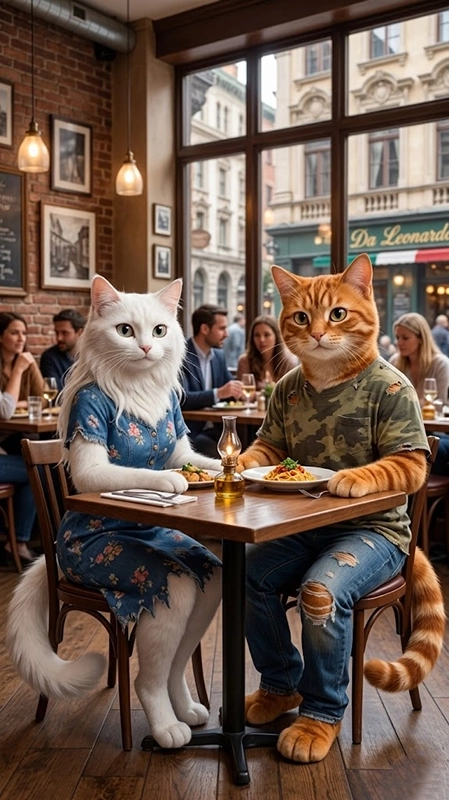
The question I kept asking myself was not only how to create AI animal videos, but how to make them feel alive. Many AI-generated clips look visually impressive, yet they can still feel empty without a clear idea behind them. In my own workflow, I noticed that viewers respond more to small details that create emotion and intention. A puppy hesitating before jumping, a bird reacting to the wind, or a cat discovering its reflection can turn a simple generation into a memorable scene. These small storytelling choices are what make AI animal videos feel more natural and engaging.
Building Micro-Stories Instead of Random Cute Moments
My best results came when I treated every clip like a five-second story. For example, instead of generating a rabbit in a garden, I created a rabbit discovering a fallen strawberry and deciding whether to touch it. That tiny tension made the video more watchable. I used an ai video maker only after defining the emotional beat, because the tool needed direction. Personally, this approach made my content feel less like stock footage and more like a small, intentional scene.
Avoiding the “Uncanny Valley” Problem in AI Animals
To reduce the uncanny effect, I focused on believable imperfection. Real animals blink unevenly, shift weight awkwardly, and react with small delays. When I tested an ai animation generator, I noticed that overly smooth motion often made the animal feel fake. So I adjusted prompts to include hesitation, subtle head turns, and natural pauses. My personal rule became simple: if the clip looked too perfect, I made it slightly messier. That messiness often made the final video feel more emotionally authentic.
Adding Environmental Context to Make Scenes Feel Real
In my strongest clips, the background was never decorative. It explained why the animal moved. Wind justified fur movement, falling leaves explained curiosity, and shadows made the timing feel natural. I also tested a text to video ai prompt structure where the environment came before the animal action, and the results became more coherent. Personally, this taught me that realism is not only about anatomy. It is about cause and effect. When the scene has logic, viewers stay longer and engage more naturally.
The Psychology Behind Why People Share AI Animal Videos
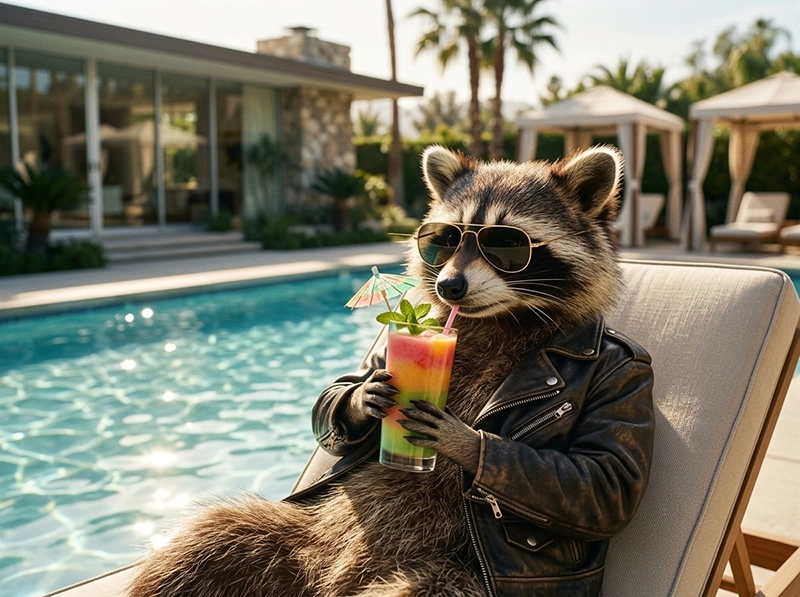
The viral nature of these clips isn’t just luck; it is calculated engagement. As I experimented with every available AI Animal Video Generator, I realized that the technology is merely the brush, not the painting. People share what they feel, not what they see. Understanding the psychological underpinnings of why we attach to these digital creatures was crucial for my growth. By focusing on intent rather than raw pixels, I learned to craft content that people actually want to pass along, making my workflow much more efficient.
Anthropomorphism: Why We Assign Human Emotions to AI Animals
We naturally assign complex human emotions to animals, a phenomenon I exploited using my preferred AI Animal Video Generator. It is fascinating how a slight head tilt in an AI-generated clip triggers empathy in viewers. This behavior is deeply rooted in human cognition, and to understand it better, I often cross-reference insights from Types of Artificial Intelligence to see how neural networks mimic these subtle signals. When the AI captures a relatable emotion, the viewer stops seeing code and starts seeing a character they want to support.
Emotional Safety and Shareability Across Cultures
My data suggests that safety dictates virality. Using an AI Animal Video Generator to create darker or jarring imagery rarely resulted in high share counts. Instead, audiences flocked to videos that felt “safe”—like a dog waiting for its owner or a cat finding a warm spot. Creating these gentle narratives required me to constantly calibrate the tool’s output to avoid uncanny valleys. When the emotional resonance is high and the visual execution is clean, the barrier to sharing drops, and the video reaches wider, diverse global audiences.
Prompt Examples I Used for AI Animal Video Scenarios
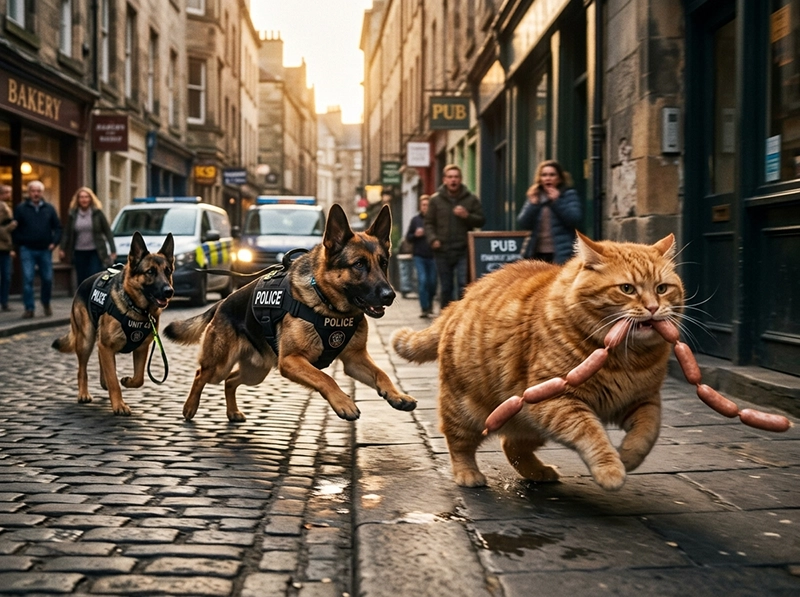
Mastering the right prompts turned my workflow from hit-or-miss to consistent production. Every AI Animal Video Generator responds differently to descriptive language, so I had to refine my vocabulary through dozens of failed iterations. I stopped asking for “a cute animal” and started describing specific environments, lighting conditions, and emotional micro-states. This section breaks down the exact prompts that worked for me, explaining why specific adjectives changed the rendering quality and emotional output, giving you a blueprint to achieve better results without wasting credits on low-quality generations.
The “Chubby Cat Thief” Prompt Breakdown
For the “Chubby Cat Thief,” the prompt was all about the physical struggle against gravity. I instructed the AI Animal Video Generator to focus on the cat’s intense, focused gaze while trying to snag a treat from a marble countertop. The key was adding a prompt for “minor weight shift” to make the movement feel heavy and real. My earlier attempts failed because the cat moved too fast. Once I slowed the motion and added that sense of physical effort, the clip finally felt authentic enough to engage viewers.
Emotional Scenario Prompt (Lost Puppy in the Rain)
This prompt was my most successful emotional experiment. I wanted a rainy street scene where the puppy looked lonely but hopeful. Instead of generic terms, I fed the AI Animal Video Generator prompts detailing “wet fur texture,” “reflections on cold pavement,” and “hesitant paw steps.” The contrast between the cold environment and the puppy’s warm, desperate eyes created the perfect emotional hook. This specific combination worked because it told a complete story within five seconds, capturing the viewer’s heart immediately and forcing them to watch until the very end.
Real-World Viral Prompts: From Hospital Heists to Street Survival
To give you a head start, I am sharing two specific prompts based on my most successful viral concepts. These are optimized for a high-end AI Animal Video Generator like Runway. The first focuses on a dramatic “Heist” narrative, while the second leans into a “Social Realism” style. Both use a mix of emotional framing and technical camera cues to ensure the motion remains fluid and the character’s personality shines through, regardless of the complexity of the scene.
Prompt 1: The Curious Cat Exploring a Rainy City (Cinematic)
Prompt: Cinematic close-up of a fluffy orange cat walking through a rainy city street at night, carefully exploring reflections on wet pavement. The cat pauses and looks at passing lights with curiosity. Realistic fur movement, natural walking animation, soft cinematic lighting, shallow depth of field, emotional expression, smooth camera tracking, realistic environment, high detail.
Prompt 2: Lost Puppy Finding Shelter (Emotional Story)
Prompt: A small golden puppy standing alone near a quiet street during a light rain, searching for shelter under a warm street lamp. Wet fur texture, realistic breathing, emotional eyes, slow natural movement, cinematic photography style, detailed environment, soft lighting, realistic animal behavior, shallow depth of field.
Conclusion
Looking back at my journey, mastering an AI Animal Video Generator is less about the software and more about refining your creative intuition. Every failed generation and distorted frame taught me that consistency comes from combining precise prompting with a deep understanding of audience psychology. By documenting my workflow and sharing these personal insights, I hope you can bypass the common pitfalls and start creating high-quality, engaging animal videos that truly connect with viewers worldwide, making the most of this powerful technology through human-centered storytelling.