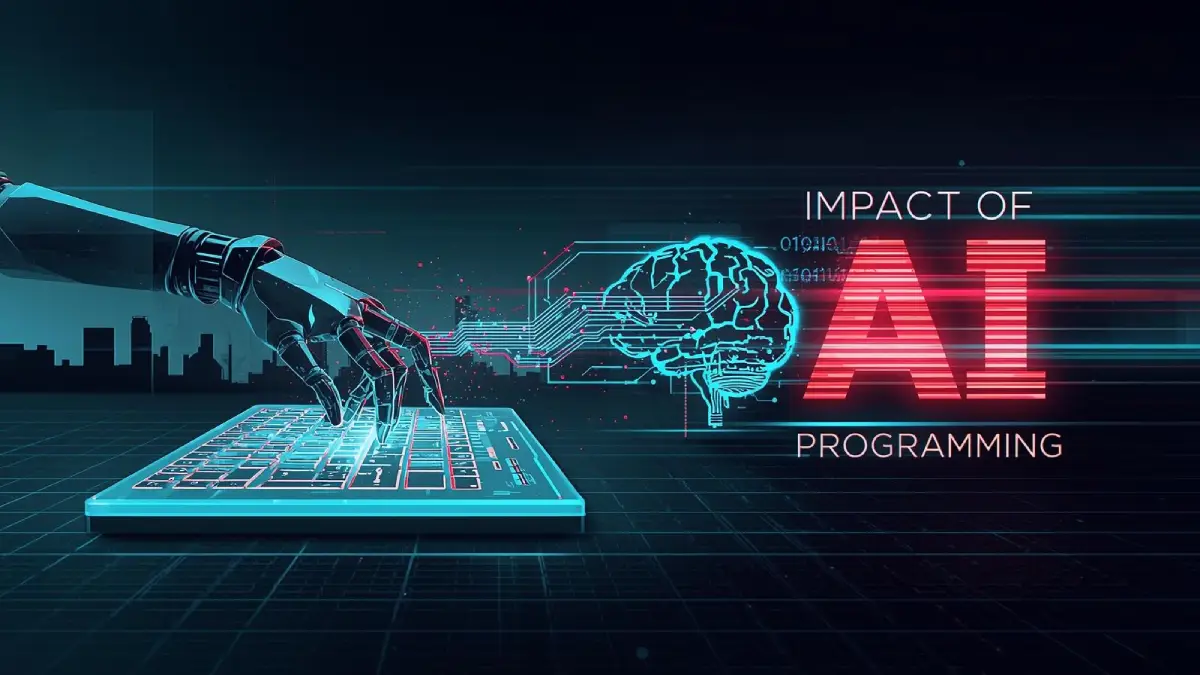
Here we are, diving into my favorite topic, AI, which naturally connects with my passion for programming. As a backend developer, I’ve experienced firsthand how the role of an AI Software Developer has evolved over the past few years. AI hasn’t replaced the way I build applications. Instead, it has changed how I approach repetitive coding, debugging, and problem-solving. Today, AI coding tools, AI code assistants, and modern AI software development tools help me move faster while leaving the most important decisions, like architecture, security, and performance, where they belong: in the hands of the developer.
Table of Contents
The Rise of AI Programming Software in Modern Development
As a backend developer, I’ve watched AI programming software evolve from a simple coding assistant into a core part of modern development. At first, I only used it to generate boilerplate code, but today it helps me review APIs, explain unfamiliar code, and speed up debugging without replacing my own decision-making. Tools like GitHub Copilot and ChatGPT have become part of my daily workflow because they reduce repetitive work and let me focus on architecture, performance, and writing maintainable code. That’s why every AI Software Developer should learn to work with AI instead of competing against it.
What Is AI Software Development, and Why Does It Matter to Every AI Software Developer?
At its core, AI software development is the process of using artificial intelligence to assist developers throughout the software development lifecycle, from writing code and debugging to testing and documentation. Unlike traditional development tools, modern AI coding tools use Large Language Models (LLMs) to understand code context, explain complex logic, and suggest practical solutions instead of simple code completion. As an AI Software Developer, I’ve found these tools most valuable when building backend APIs and optimizing existing systems. They don’t replace technical knowledge. They help me spend less time on repetitive work and more time solving real engineering problems.
Popular AI Tools Revolutionizing Coding Practices
The best AI coding tools don’t just generate code. They understand context, explain logic, and improve developer productivity. In my own projects, GitHub Copilot is excellent for repetitive coding tasks, while ChatGPT helps me analyze algorithms, debug complex backend issues, and explore different implementation approaches. Even discussions like Jasper AI vs Copy AI, although focused on content creation, highlight how quickly AI platforms continue to evolve. Choosing the right AI code assistant isn’t about finding the smartest model. It’s about selecting the tool that fits your workflow and still keeping every AI-generated suggestion under human review.
AI Coding Tools That Empower Developers, Not Replace Them
One of the biggest misconceptions about AI coding tools is that they will eventually replace software developers. My experience has been the opposite. These tools handle repetitive coding, explain unfamiliar code, and speed up debugging, but they still rely on human decisions for architecture, security, and business logic. I use several of them every week, and each solves a different problem. Choosing the right tool isn’t about replacing developers. It’s about becoming a more productive and efficient AI Software Developer.
GitHub Copilot
GitHub Copilot is one of the most popular AI coding assistants available today. It generates code suggestions, completes functions, and understands project context directly inside your IDE, making repetitive development tasks much faster. I primarily use it for creating Laravel boilerplate code, writing unit tests, and speeding up routine backend development. While I always review its suggestions before using them in production, it consistently saves time and lets me focus on more complex engineering decisions. For any AI Software Developer, GitHub Copilot works best as an intelligent coding partner rather than a replacement for experience.
ChatGPT
ChatGPT has become one of the most valuable tools in my daily development workflow. Unlike traditional code completion tools, it helps explain unfamiliar code, debug complex issues, compare implementation strategies, and generate technical documentation. I often use it when I’m exploring a new framework or troubleshooting backend logic that isn’t immediately obvious. Instead of simply providing code, ChatGPT helps me understand why a solution works, making it an excellent learning resource for both experienced developers and anyone starting their journey as an AI Software Developer.
Cursor AI
Cursor AI is an AI-powered code editor designed to understand your entire project instead of just the file you’re editing. That broader context allows it to generate more accurate suggestions, refactor existing code, and answer questions about large codebases. I’ve found Cursor especially useful when working on Laravel projects with multiple services and interconnected components because it understands relationships between files better than traditional editors. For developers managing larger applications, Cursor significantly improves workflow efficiency without replacing careful code reviews.
Claude
Claude stands out for its ability to analyze large amounts of code and provide detailed explanations instead of short answers. I often use it to review complex backend logic, improve documentation, and evaluate different architectural approaches before implementing major changes. Its strength isn’t simply generating code but helping developers reason through technical decisions. For an AI Software Developer, Claude acts more like an experienced technical reviewer who encourages better design choices rather than just producing another block of code.
Tabnine
Tabnine is an AI coding assistant focused on intelligent code completion, developer privacy, and enterprise-ready deployment. Unlike many cloud-based tools, it offers flexible deployment options that appeal to organizations with strict security requirements. I’ve used Tabnine on projects where fast code completion and local development workflows were priorities, and it performed well without disrupting my existing coding habits. Although it isn’t designed to replace developers, it reduces repetitive typing and helps maintain development speed while allowing engineers to stay fully in control of their code.
Opportunities Offered by AI Programming Software
For me, the biggest advantage of AI programming software isn’t writing code faster. It’s spending less time on repetitive implementation and more time solving real engineering problems. As an AI Software Developer, I regularly use GitHub Copilot to draft repetitive code, then review and refine every suggestion before it reaches production. That workflow has noticeably improved my productivity without sacrificing quality. As more AI Software Development Companies continue building smarter developer tools, AI is becoming less of a coding shortcut and more of a practical partner throughout the software development lifecycle.
Boosting Productivity and Automation
One lesson I’ve learned is that AI improves productivity only when developers stay in control. I often use ChatGPT to explain unfamiliar logic and GitHub Copilot to reduce repetitive coding, but I never accept generated code without reviewing it. That simple habit has helped me catch inefficient queries and small implementation mistakes before deployment. Instead of replacing technical thinking, modern AI coding tools free me to focus on architecture, scalability, and long-term maintainability, where human experience still makes the biggest difference.
Expanding Access and Innovation for Developers
One of the most exciting changes I’ve noticed is how AI has made software development more accessible. New developers can learn faster, explore unfamiliar technologies, and experiment with confidence instead of spending days searching documentation. I’ve even seen students using using github copilot student build projects they probably wouldn’t have attempted a few years ago. That doesn’t replace experience, but it shortens the learning curve. For experienced developers, it also creates better collaboration by allowing teams to prototype, review, and iterate much more efficiently.
Challenges of AI in Programming

Despite all its advantages, AI programming software isn’t something I trust blindly. I’ve seen generated code that looked correct at first glance but introduced unnecessary complexity or overlooked edge cases. That’s why I treat every AI suggestion as a starting point rather than a finished solution. As automation becomes more capable and AI Software Development Companies continue expanding their platforms, developers must balance efficiency with responsibility. AI is a powerful assistant, but building secure and reliable software still depends on human judgment.
Risks of AI Programming Software to the Workforce
I understand why many developers worry about AI changing the job market. I’ve seen those discussions across developer communities, especially among junior engineers wondering where they fit. My experience, however, has been different. AI hasn’t replaced my role. It has changed the skills I rely on every day. Developers who understand architecture, security, and system design remain valuable because those decisions still require experience. AI may automate repetitive coding, but it doesn’t replace technical judgment or real-world problem-solving.
Code Quality, Security Risks, and Ethical Concerns
One mistake I learned to avoid is assuming AI-generated code is always correct. During one backend project, an AI-generated optimization looked efficient until I tested it against real production data and discovered several edge cases it completely ignored. Since then, I review every suggestion with the same standards as code written by a teammate. AI code assistants can significantly improve productivity, but secure software still depends on testing, code reviews, and developer accountability rather than automation alone.
Balancing AI and Human Expertise in Coding

The biggest lesson I’ve learned is that the best software isn’t built by AI alone or by developers working without it. It’s built when both work together. As an AI Software Developer, I use GitHub Copilot to generate ideas, speed up repetitive coding, and explore alternative implementations, but the final architectural decisions always come from experience. AI can recognize patterns and save time, yet it doesn’t understand business requirements, user expectations, or long-term maintainability the way an experienced developer does. That’s why I see AI as a skilled collaborator, not the engineer leading the project.
Maximizing Benefits of AI Programming Software
I’ve found that the real value of AI programming software depends far more on how you use it than on which tool you choose. Whether I’m working with GitHub Copilot, ChatGPT, or another AI coding assistant, I write detailed prompts, verify every response, and test the generated code before using it in production. That simple workflow consistently produces better results than relying on AI without review. The best developers don’t ask AI to replace their thinking. They use it to accelerate learning, improve productivity, and make better technical decisions.
Expert Opinions and the Future Outlook
Looking ahead, I don’t believe successful developers will be the ones who avoid AI or blindly depend on it. They’ll be the ones who understand both software engineering fundamentals and the strengths of modern AI developer tools. Every year, platforms become better at generating code, reviewing pull requests, and explaining unfamiliar technologies. Even so, building secure, scalable applications still requires critical thinking, communication, and engineering experience. The future belongs to developers who combine human expertise with AI instead of choosing one over the other.
Conclusion
After working with AI for several years, I’ve stopped asking whether it will replace developers. The better question is how we can use it responsibly. As an AI Software Developer, I’ve learned that AI programming software delivers the best results when it handles repetitive work while I stay focused on architecture, debugging, performance, and business logic. AI is one of the most valuable tools in my workflow, but it’s still just a tool. Great software is built by developers who combine technical experience, careful review, and AI assistance to create solutions that are both reliable and genuinely useful.